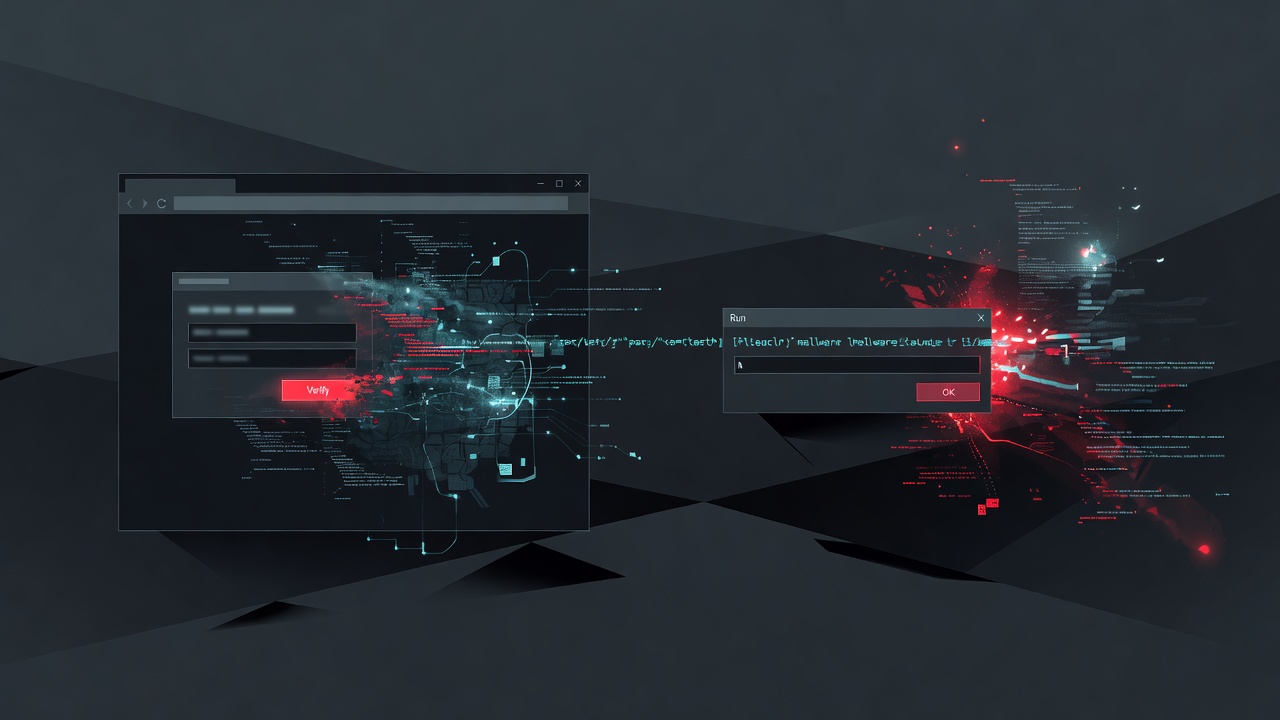
Microsoft Threat Intelligence has described a ClickFix variant that does not download its first payload at the moment the victim presses Enter. The script is already sitting in the browser cache, disguised as an image.
What happened
Compromised sites prefetch the payload into the cache. The lure then asks the user to paste a short command into the Windows Run dialog. Run truncates input at about 260 characters, so older ClickFix chains had to stay short. This one points at a file that is already on the PC.
In the chain Microsoft described, a script searches the Firefox profile cache for a file of an expected size, copies that entry, and runs it. Later stages steal browser and device credentials. A CAPTCHA or a fake browser error is the usual prompt. The user runs the command.
Who is affected
Any Windows user who can be talked into pasting a "fix" into Run, Terminal, or PowerShell. Help desks, shared PCs, and staff who troubleshoot their own browsers are the practical target.
- Users who visit compromised sites that stage a fake image in the browser cache
- Environments that still allow the Run dialog and unsigned script hosts
- Teams that only alert on a fresh download, and miss a copy from the browser cache
What to do now
Tell staff that a CAPTCHA or error page must never ask them to paste a command into Run, Terminal, or PowerShell. Hunt for script hosts launched from the Run history, and for cache files copied into the user Temp folder and executed.
Source: The Hacker News, citing Microsoft Threat Intelligence.
Also on the blog
- Exchange CVE-2026-96940: signed-in users can read other mailboxes
- HPE iLO 7 CVE-2026-79820 scores 9.0 on user validation
- Cling botnet hides operator commands inside STUN traffic
Next step: If this is on your network or a client's, ask Matthews Enterprises to check exposure.